Build an AI Chatbot with Next.js: Complete Developer Guide
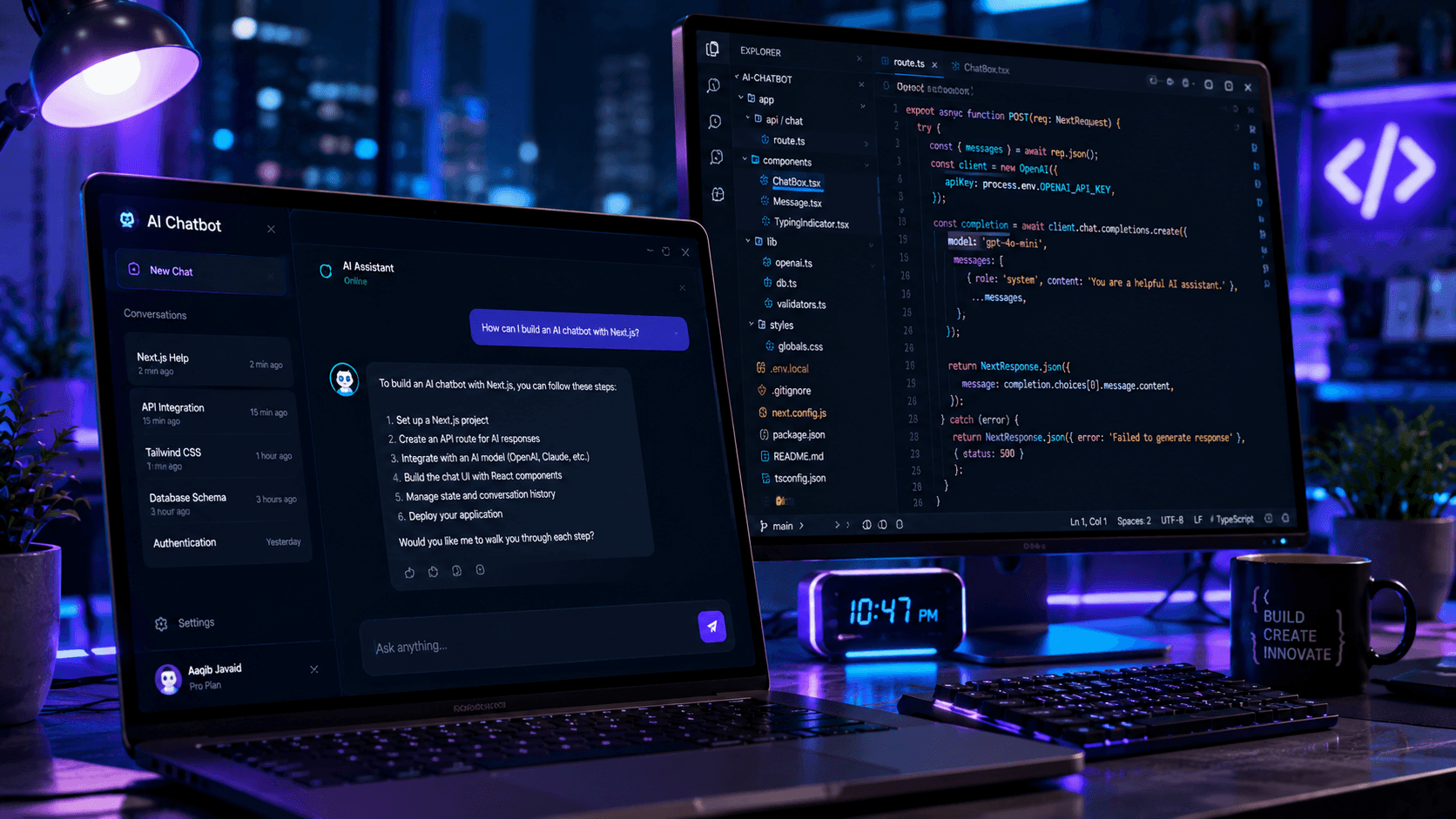
Want to build your own AI chatbot? This guide walks through creating an AI-powered chatbot with Next.js, React, and modern AI APIs.
AI chatbots have become one of the most popular applications of artificial intelligence. From customer support systems to personal assistants, businesses and developers are building AI-powered experiences faster than ever before.
Thanks to modern frameworks like Next.js and powerful AI APIs, creating an intelligent chatbot is now much easier than it was just a few years ago.
In this guide, you'll learn how to build an AI chatbot using Next.js and React while following best practices that can scale into a production-ready application.
Why Build an AI Chatbot?
AI chatbots are useful for:
- Customer support
- Internal company tools
- Documentation assistants
- SaaS products
- Personal productivity applications
- Educational platforms
Developers who understand chatbot architecture are increasingly valuable as AI adoption continues to grow.
What You'll Need
Before starting, make sure you have:
- Node.js installed
- Basic React knowledge
- Familiarity with Next.js
- An AI API provider
- A code editor such as VS Code
You'll also need a Next.js project.
npx create-next-app@latest ai-chatbot
Navigate into the project:
cd ai-chatbot
npm run dev
Your development server should now be running.
Project Structure
A simple chatbot application might look like:
app/
├── page.jsx
├── api/
│   └── chat/
│       └── route.js
components/
├── ChatBox.jsx
├── Message.jsx
This structure keeps UI components separate from API logic.
Creating the Chat Interface
The frontend is responsible for:
- Displaying messages
- Capturing user input
- Sending requests
- Rendering responses
Example component:
"use client";

import { useState } from "react";

export default function ChatBox() {
  const [message, setMessage] = useState("");

  return (
    <input
      value={message}
      onChange={(e) => setMessage(e.target.value)}
      placeholder="Ask anything..."
    />
  );
}
This is the foundation of your chatbot UI.
Creating an API Route
Next.js Route Handlers make it easy to connect AI models.
Example:
export async function POST(req) {
  const body = await req.json();

  return Response.json({
    reply: "Hello from AI!",
  });
}
Eventually this route will connect to your AI provider.
Sending Messages to the API
The frontend should send user prompts to your backend.
Example:
const response = await fetch("/api/chat", {
  method: "POST",
  body: JSON.stringify({
    message,
  }),
});
This creates the communication layer between your UI and AI model.
Connecting an AI Model
Most AI providers offer simple APIs.
Typical flow:
- Receive user message
- Send prompt to AI model
- Receive response
- Return result to frontend
Architecture:
User
 ↓
Next.js UI
 ↓
API Route
 ↓
AI Model
 ↓
Response
This pattern works for nearly every AI chatbot application.
Improving User Experience
A chatbot should feel responsive.
Consider adding:
Loading States
Show users that the AI is thinking.
Auto Scroll
Automatically scroll to the newest message.
Typing Indicators
Display:
AI is typing...
while waiting for a response.
Error Handling
Handle:
- Network errors
- API failures
- Rate limits
gracefully.
Storing Chat History
Many applications store conversations.
Common options:
Database
- PostgreSQL
- MySQL
- MongoDB
Local Storage
Good for personal projects and prototypes.
Vector Databases
Useful when building AI assistants with memory. If you want to give your chatbot access to custom knowledge, this is the foundation of Retrieval-Augmented Generation (RAG).
Examples:
- Pinecone
- Weaviate
- Chroma
Adding AI Memory
Without memory, a chatbot forgets previous messages.
With memory:
User:
My name is Aaqib.

Later...

User:
What's my name?
The chatbot can answer correctly.
This creates a more natural conversational experience.
Security Considerations
Never expose API keys directly in frontend code.
Use:
OPENAI_API_KEY=your_key_here
inside server-side environments.
Always validate incoming requests and implement rate limiting.
Common Mistakes
Sending API Keys to the Client
Keep all secrets server-side.
Ignoring Error Handling
Always handle failed API requests.
Building Without State Management
Even simple chatbots benefit from organized state.
Skipping Performance Optimization
Large conversations can slow down rendering if not managed correctly.
Frequently Asked Questions
Is Next.js good for AI applications?
Yes.
Next.js provides excellent support for APIs, server-side rendering, and modern React features.
Can I build a chatbot without OpenAI?
Absolutely.
You can use:
- Claude
- Gemini
- Open-source models
- Local AI models
Do I need a database?
Not necessarily.
Simple chatbots can work without one.
Can I monetize an AI chatbot?
Yes.
Many SaaS businesses are built around AI-powered chat experiences.
Final Verdict
Building an AI chatbot with Next.js is one of the best ways to learn modern AI development.
You'll gain experience with React, APIs, state management, prompt handling, and AI integration—all skills that are becoming increasingly valuable in today's software industry.
Whether you're creating a personal project, launching a SaaS product, or learning AI development, building a chatbot is an excellent place to start.
Related Articles
More from the AI + Code category
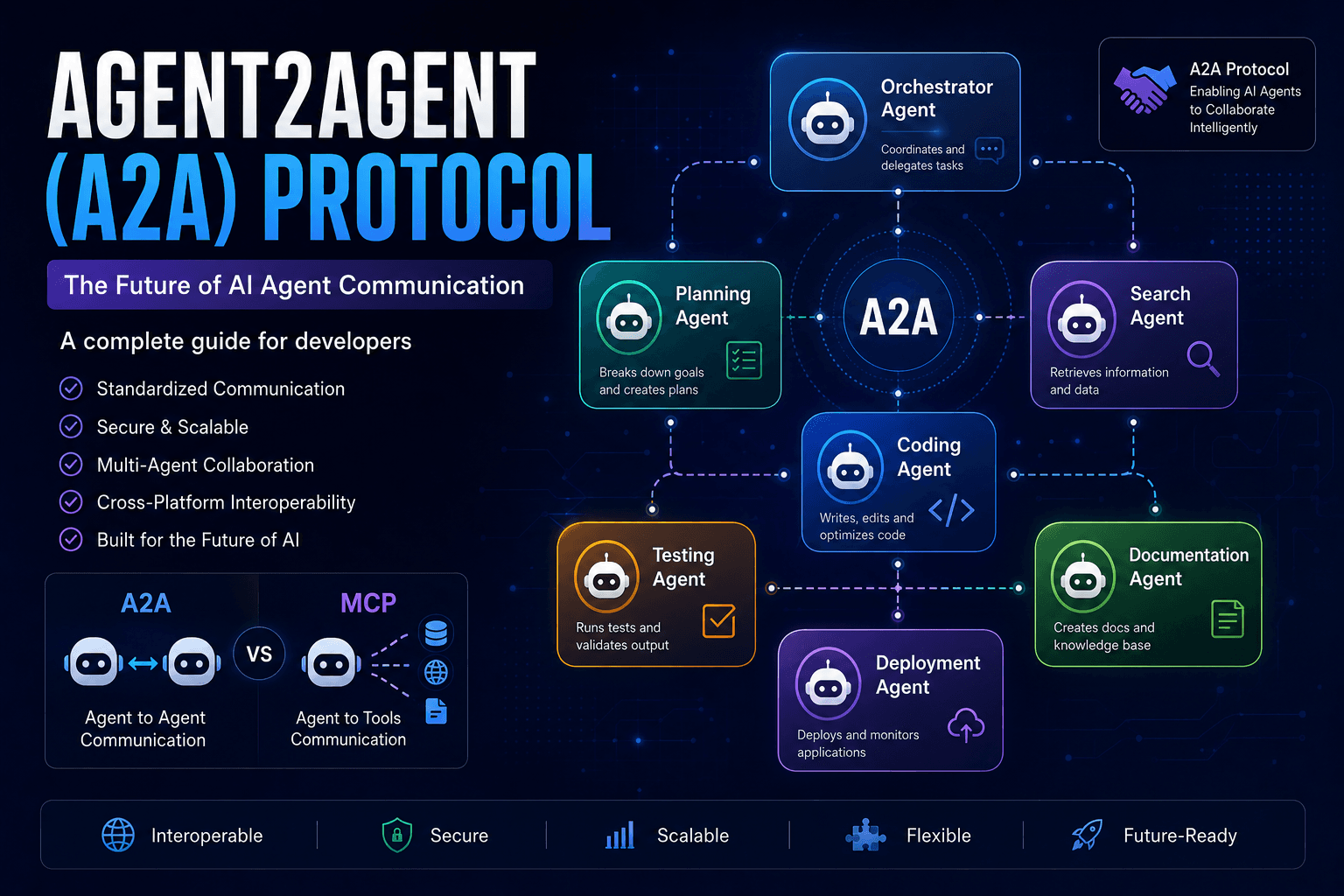
Agent2Agent (A2A) Protocol Explained: The Complete Developer Guide for 2026
Discover how the Agent2Agent (A2A) Protocol enables AI agents to collaborate securely and efficiently. Learn its architecture, use cases, benefits, and how it compares with MCP.
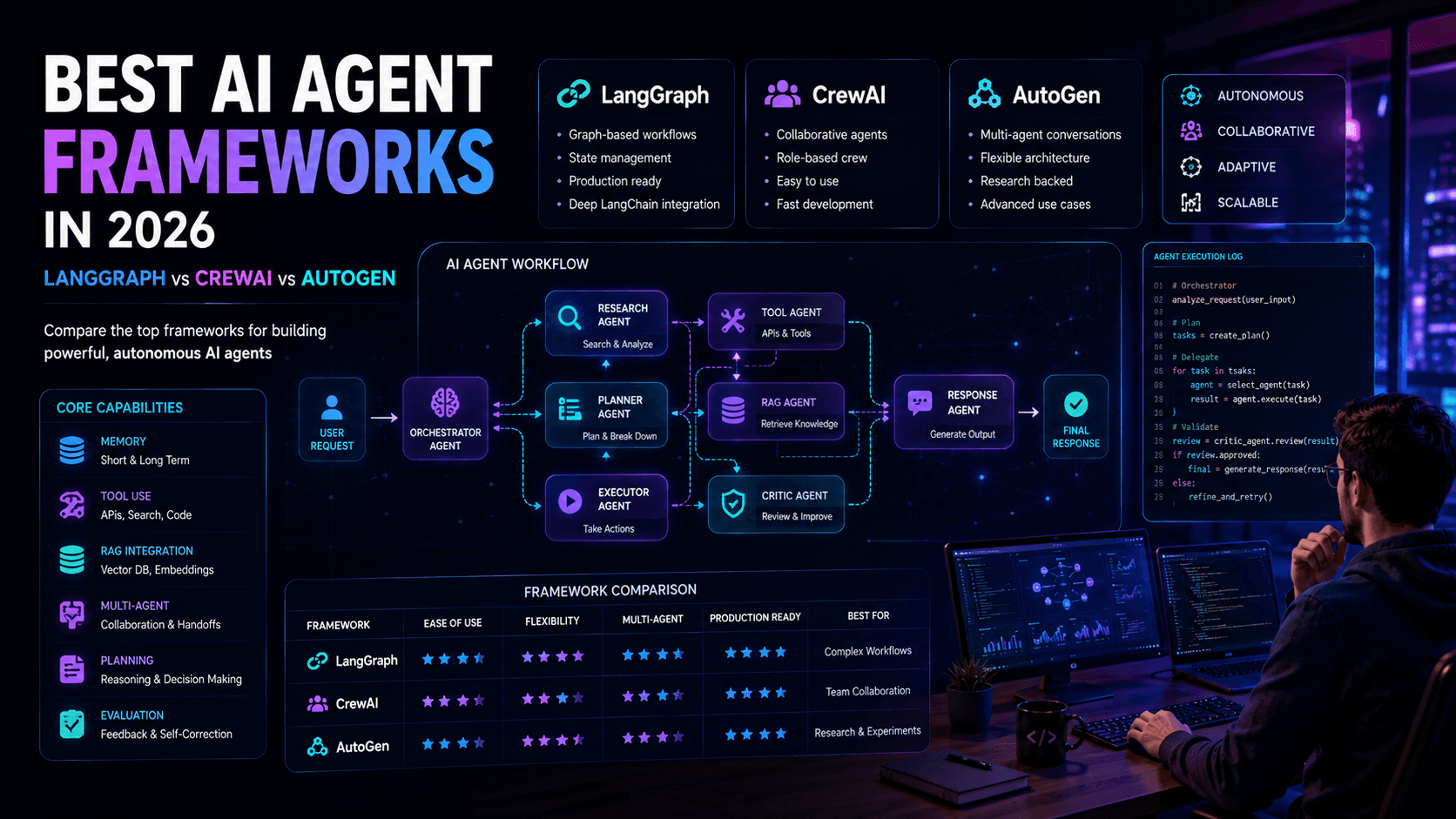
Best AI Agent Frameworks in 2026: LangGraph vs CrewAI vs AutoGen
Looking to build AI agents? This guide compares LangGraph, CrewAI, AutoGen, and other leading AI agent frameworks to help developers choose the right solution.
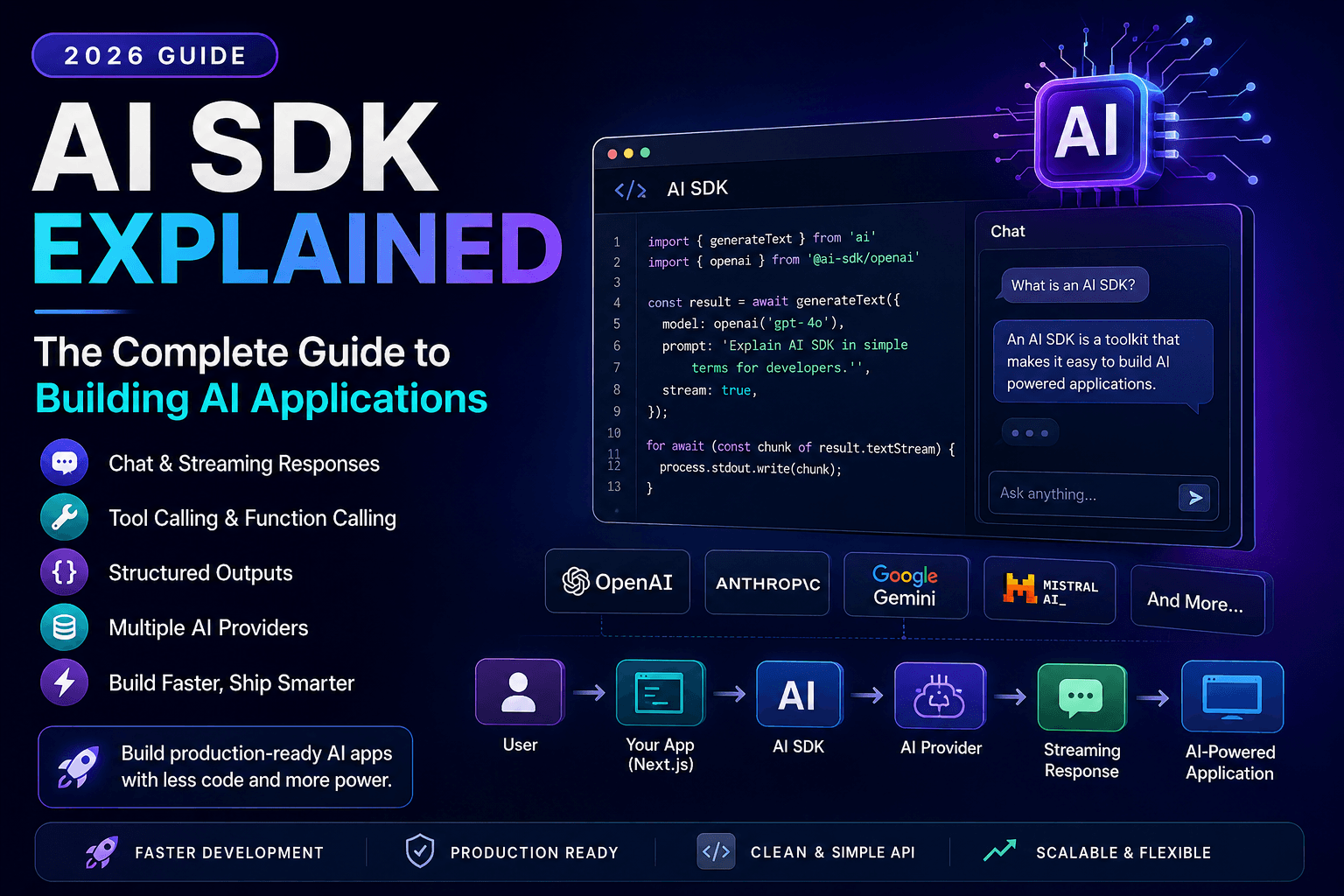
AI SDK Explained: The Complete Guide to Building AI Applications in 2026
Discover how AI SDKs simplify building AI-powered applications. Learn streaming responses, tool calling, chat interfaces, structured outputs, and production best practices.