OpenAI API Complete Guide for Developers

Want to integrate AI into your application? Learn how to use the OpenAI API with practical examples, best practices, and real-world development workflows.
Artificial Intelligence is rapidly becoming a standard feature in modern applications. From AI chatbots and content generators to coding assistants and customer support systems, developers are increasingly integrating AI into their products.
One of the most popular ways to add AI capabilities is through the OpenAI API.
In this guide, you'll learn how the OpenAI API works, how to integrate it into your applications, and how to follow best practices for production-ready AI features.
What Is the OpenAI API?
The OpenAI API allows developers to access powerful AI models through simple HTTP requests.
Instead of training machine learning models yourself, you can send requests to OpenAI's servers and receive intelligent responses.
Common use cases include:
- AI chatbots
- Content generation
- Code generation
- Text summarization
- Translation
- Customer support automation
- AI search systems
For most developers, the API provides the fastest way to add AI features to applications.
Why Developers Use the OpenAI API
Building AI systems from scratch is expensive and complex.
The OpenAI API eliminates much of that complexity by providing ready-to-use models.
Benefits include:
- Fast integration
- Scalable infrastructure
- High-quality AI responses
- Reduced development costs
- Continuous model improvements
This allows developers to focus on building products instead of training models.
Creating an OpenAI Account
Before using the API you'll need:
- An OpenAI account
- API access
- An API key
After generating a key, store it securely.
Example:
OPENAI_API_KEY=your_api_key_here
Never expose API keys inside frontend code.
Installing Dependencies
For a Next.js project:
npm install openai
This package provides an easy way to communicate with OpenAI models.
Basic API Request
A simple request might look like:
import OpenAI from "openai";

const client = new OpenAI({
  apiKey: process.env.OPENAI_API_KEY,
});

const response = await client.responses.create({
  model: "gpt-5",
  input: "Explain React hooks.",
});

console.log(response.output_text);
The model processes the input and returns a response.
Understanding API Workflow
The typical workflow looks like:
User
 ↓
Frontend
 ↓
Next.js API Route
 ↓
OpenAI API
 ↓
Response
 ↓
User
Keeping API communication on the server helps protect sensitive credentials.
Using the API in Next.js
A simple Route Handler:
import OpenAI from "openai";

const client = new OpenAI({
  apiKey: process.env.OPENAI_API_KEY,
});

export async function POST(req) {
  const { message } = await req.json();

  const response = await client.responses.create({
    model: "gpt-5",
    input: message,
  });

  return Response.json({
    reply: response.output_text,
  });
}
This route can power an AI chatbot or assistant.
Popular OpenAI API Use Cases
AI Chatbots
One of the most common implementations.
Examples:
- Customer support
- Internal tools
- SaaS assistants
Content Generation
Generate:
- Blog posts
- Product descriptions
- Social media content
- Marketing copy
Coding Assistants
Developers use AI to:
- Generate code
- Review pull requests
- Debug applications
- Explain complex systems
Summarization
Useful for:
- Documents
- Meeting notes
- Research reports
- Support tickets
Managing Costs
API usage is not unlimited.
Tips for controlling costs:
Limit Input Size
Avoid sending unnecessary context.
Cache Responses
Store frequently requested results.
Use Appropriate Models
Not every task requires the most advanced model.
Monitor Usage
Track API consumption regularly.
Good cost management becomes increasingly important as applications scale.
Security Best Practices
Never Expose API Keys
Keep all secrets server-side.
Validate User Input
Never send raw user input directly to sensitive systems.
Implement Rate Limiting
Prevent abuse by limiting request frequency.
Log Errors
Monitor failures and unusual behavior.
Security should always be considered when deploying AI applications.
Common Mistakes
Calling the API from the Frontend
This exposes credentials.
Always use server-side routes.
Ignoring Rate Limits
High traffic applications need protection.
Sending Excessive Context
Large prompts increase costs.
Not Handling Errors
Always prepare for API failures.
Frequently Asked Questions
Is the OpenAI API difficult to learn?
No.
Most developers can build their first AI feature within a few hours.
Can I use the OpenAI API with Next.js?
Absolutely.
Next.js is one of the most popular frameworks for AI applications.
Can I build a SaaS product using the OpenAI API?
Yes.
Many successful AI startups are built on top of AI APIs.
Should I store conversations?
For many applications, storing chat history improves user experience.
Final Verdict
The OpenAI API has made AI development significantly more accessible.
Instead of spending months building machine learning infrastructure, developers can integrate powerful AI capabilities using a few API calls.
Whether you're building a chatbot, coding assistant, content generator, or AI-powered SaaS product, learning the OpenAI API is one of the most valuable skills for modern developers.
As AI continues to become a core part of software development, understanding how to effectively use AI APIs will provide a significant advantage for developers and businesses alike.
Related Articles
More from the AI + Code category
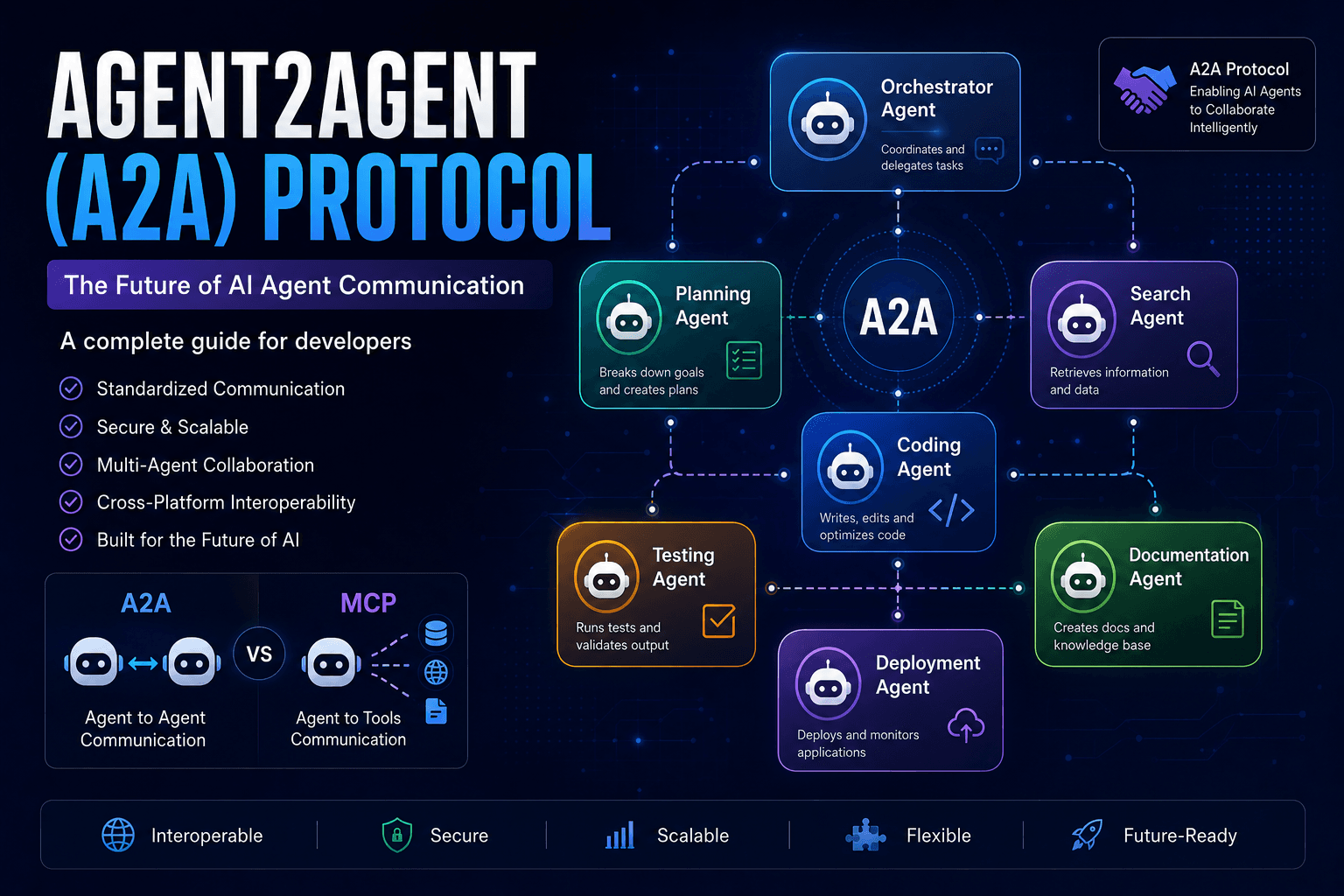
Agent2Agent (A2A) Protocol Explained: The Complete Developer Guide for 2026
Discover how the Agent2Agent (A2A) Protocol enables AI agents to collaborate securely and efficiently. Learn its architecture, use cases, benefits, and how it compares with MCP.
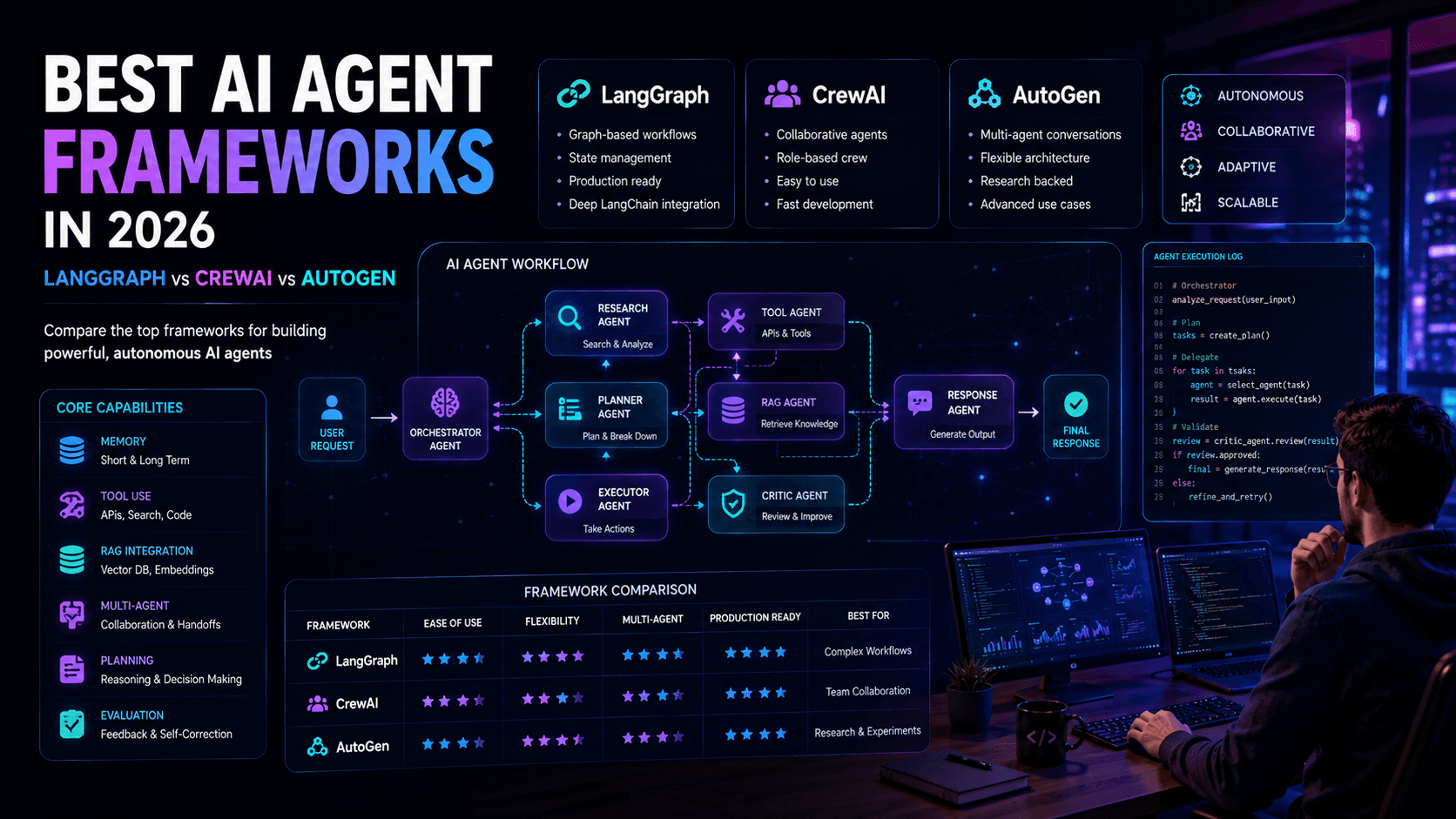
Best AI Agent Frameworks in 2026: LangGraph vs CrewAI vs AutoGen
Looking to build AI agents? This guide compares LangGraph, CrewAI, AutoGen, and other leading AI agent frameworks to help developers choose the right solution.
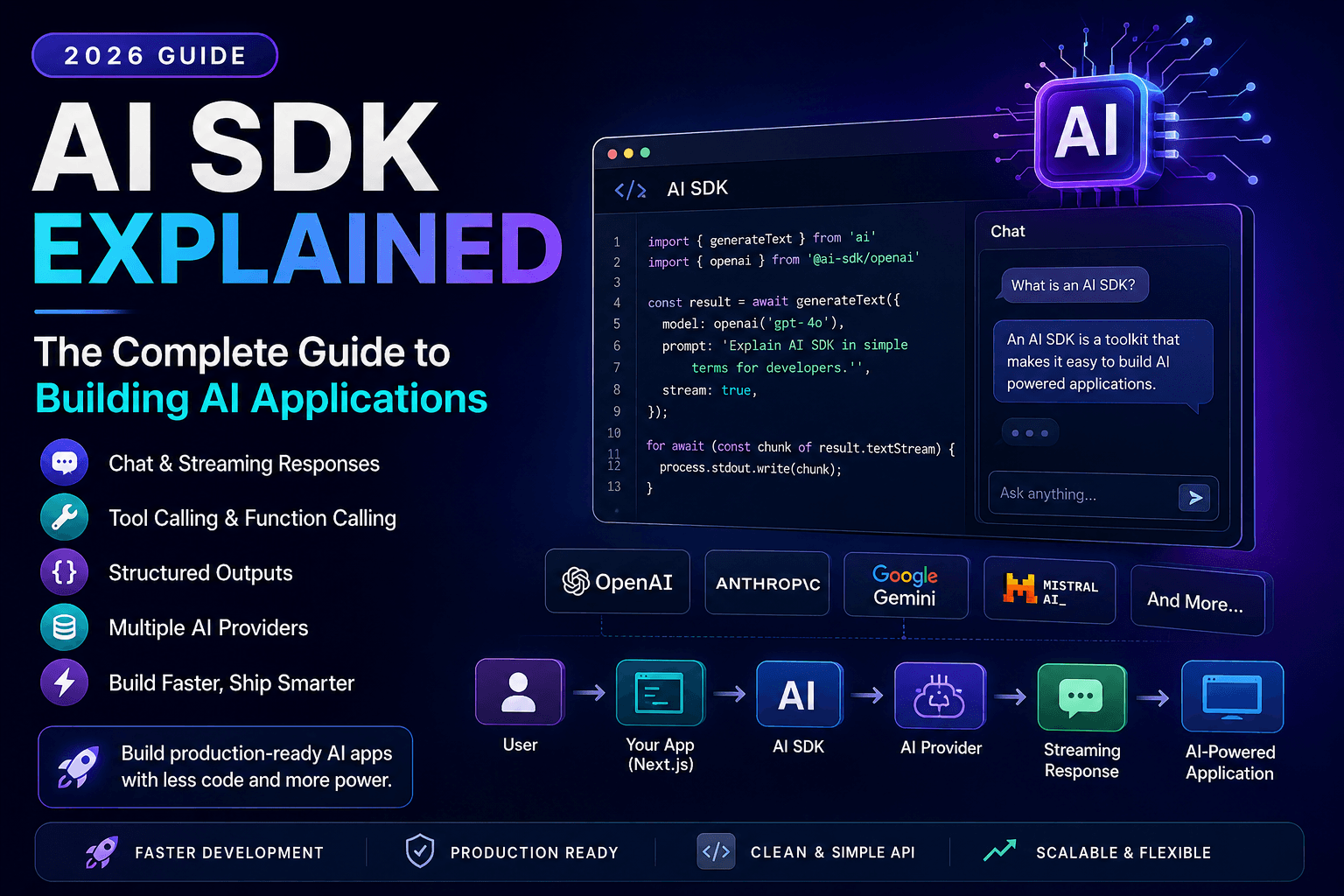
AI SDK Explained: The Complete Guide to Building AI Applications in 2026
Discover how AI SDKs simplify building AI-powered applications. Learn streaming responses, tool calling, chat interfaces, structured outputs, and production best practices.