Perplexity AI for Developers: Research Faster and Build Better Software

Perplexity AI is becoming a favorite research assistant for developers. Discover how it helps engineers find answers faster, understand technologies, and improve productivity.
Artificial Intelligence is changing how developers find information. Traditionally, programmers relied on search engines, documentation websites, Stack Overflow, blogs, and YouTube tutorials to solve problems.
While these resources remain valuable, searching across dozens of websites can consume a significant amount of time.
This is where Perplexity AI comes in.
Perplexity AI combines conversational AI with real-time information retrieval, helping developers get accurate answers faster than traditional search methods.
In this guide, you'll learn how developers use Perplexity AI to improve research, solve programming problems, and build better software.
Why Developers Need Better Research Tools
Modern software development moves quickly.
Every year developers face:
- New frameworks
- Updated libraries
- Breaking changes
- Security vulnerabilities
- New best practices
- AI-powered workflows
Keeping up with this information can be challenging.
Developers often spend more time researching than writing code.
A tool that reduces research time can dramatically improve productivity.
What Is Perplexity AI?
Perplexity AI is an AI-powered answer engine that combines language models with live information retrieval.
Instead of returning a list of links like a traditional search engine, Perplexity provides:
- Direct answers
- Source citations
- Summarized information
- Follow-up questioning
This allows developers to learn faster and verify information more easily.
Key Features
- AI-powered search
- Source citations
- Follow-up conversations
- Research assistance
- Technology comparisons
- Documentation discovery
How Developers Use Perplexity AI
1. Learning New Technologies
Suppose you're learning Next.js.
Instead of searching:
Next.js App Router tutorial
You can ask:
Explain Next.js App Router and compare it with the Pages Router.
Perplexity provides:
- Explanation
- Comparison
- References
- Relevant resources
This often saves significant research time.
2. Understanding Framework Differences
Developers frequently compare technologies.
Examples:
- React vs Vue
- Next.js vs Remix
- PostgreSQL vs MongoDB
- Tailwind CSS vs Bootstrap
Example prompt:
Compare Tailwind CSS and Bootstrap for modern React applications.
Perplexity summarizes the differences and cites sources.
3. Debugging Problems
When facing unusual errors, developers often search multiple websites.
Example:
Why am I getting hydration errors in Next.js 16?
Perplexity can explain:
- Common causes
- Potential fixes
- Relevant documentation
- Community discussions
This helps narrow down solutions faster.
4. Researching APIs
Before integrating an API, developers often need to understand:
- Authentication
- Rate limits
- Pricing
- SDK support
Perplexity can summarize this information and provide sources for verification.
Benefits for Developers
Faster Research
Instead of opening multiple tabs, developers receive a concise summary.
Source Citations
Unlike many AI tools, Perplexity references sources, making it easier to verify information.
Better Context
Perplexity understands follow-up questions and maintains context throughout a research session.
Reduced Context Switching
Developers spend less time jumping between websites.
Example Workflow
Imagine you're building an AI SaaS application.
You need to research:
- Authentication
- Vector databases
- AI models
- Deployment options
Traditional workflow:
- Google search
- Open documentation
- Read blog posts
- Watch tutorials
- Compare notes
Perplexity workflow:
- Ask a question
- Review summarized answer
- Explore cited sources
- Ask follow-up questions
The process becomes much faster.
Perplexity vs Traditional Search Engines
| Feature | Perplexity AI | Traditional Search |
|---|---|---|
| Direct Answers | ✅ | ❌ |
| Source Citations | ✅ | ✅ |
| Conversational | ✅ | ❌ |
| Follow-up Questions | ✅ | ❌ |
| Summarized Results | ✅ | ❌ |
| Multiple Sources Combined | ✅ | ❌ |
For developers researching technical topics, Perplexity often provides a more efficient experience.
Best Prompts for Developers
Architecture Research
Explain the best architecture for a scalable Next.js SaaS application.
Technology Comparison
Compare PostgreSQL and MongoDB for an AI-powered application.
Debugging
Explain common causes of React hydration errors and how to fix them.
Security
List common authentication vulnerabilities in modern web applications.
Learning
Teach me React Server Components with practical examples.
Common Mistakes When Using Perplexity
Blindly Trusting Answers
Always verify important technical decisions using cited sources.
Skipping Documentation
Official documentation remains the ultimate source of truth.
Using Vague Questions
The more context you provide, the better the answers become.
Bad:
Help with React.
Better:
Explain how React Server Components improve performance in Next.js 16.
Frequently Asked Questions
Is Perplexity AI good for programmers?
Yes.
Perplexity is particularly useful for research, learning, and comparing technologies.
Can Perplexity replace Google?
For many developer research tasks, it can reduce reliance on traditional search engines.
Is Perplexity useful for debugging?
Yes.
It can explain common errors and provide links to relevant sources.
Should developers use Perplexity with ChatGPT or Claude?
Absolutely.
Many developers use:
- Perplexity for research
- ChatGPT for implementation
- Claude for code reviews
This combination creates a highly productive workflow.
Recommended Developer Workflow
A powerful AI-assisted workflow might look like this:
Step 1
Research with Perplexity.
Step 2
Generate implementation ideas with ChatGPT.
Step 3
Review architecture and code quality with Claude.
Step 4
Build and deploy.
Using specialized AI tools for different tasks often produces better results than relying on a single platform.
Final Verdict
Perplexity AI is quickly becoming one of the most valuable research tools available to developers.
Its ability to combine AI-powered explanations with source citations makes it particularly useful for learning new technologies, comparing frameworks, researching APIs, and solving technical problems.
While it won't replace official documentation, it can dramatically reduce the time required to find accurate information.
For developers looking to improve productivity in 2026, Perplexity AI deserves a place alongside tools like ChatGPT, Claude, and Cursor in the modern AI-powered workflow.
Related Articles
More from the AI Tools category
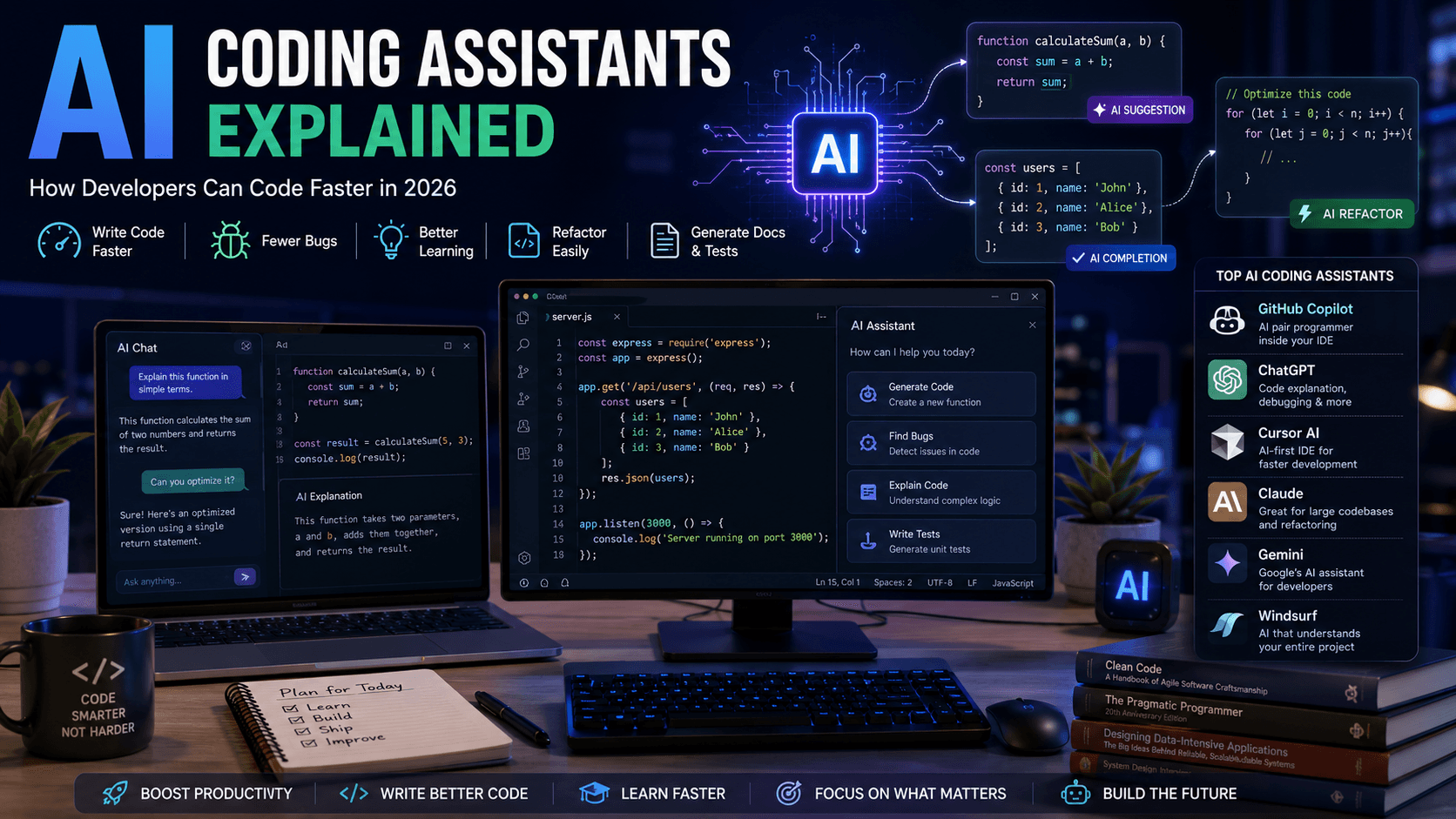
AI Coding Assistants Explained: How Developers Can Code Faster in 2026
AI coding assistants are transforming software development. Learn how they work, which tools to choose, and how they can improve your productivity in 2026.
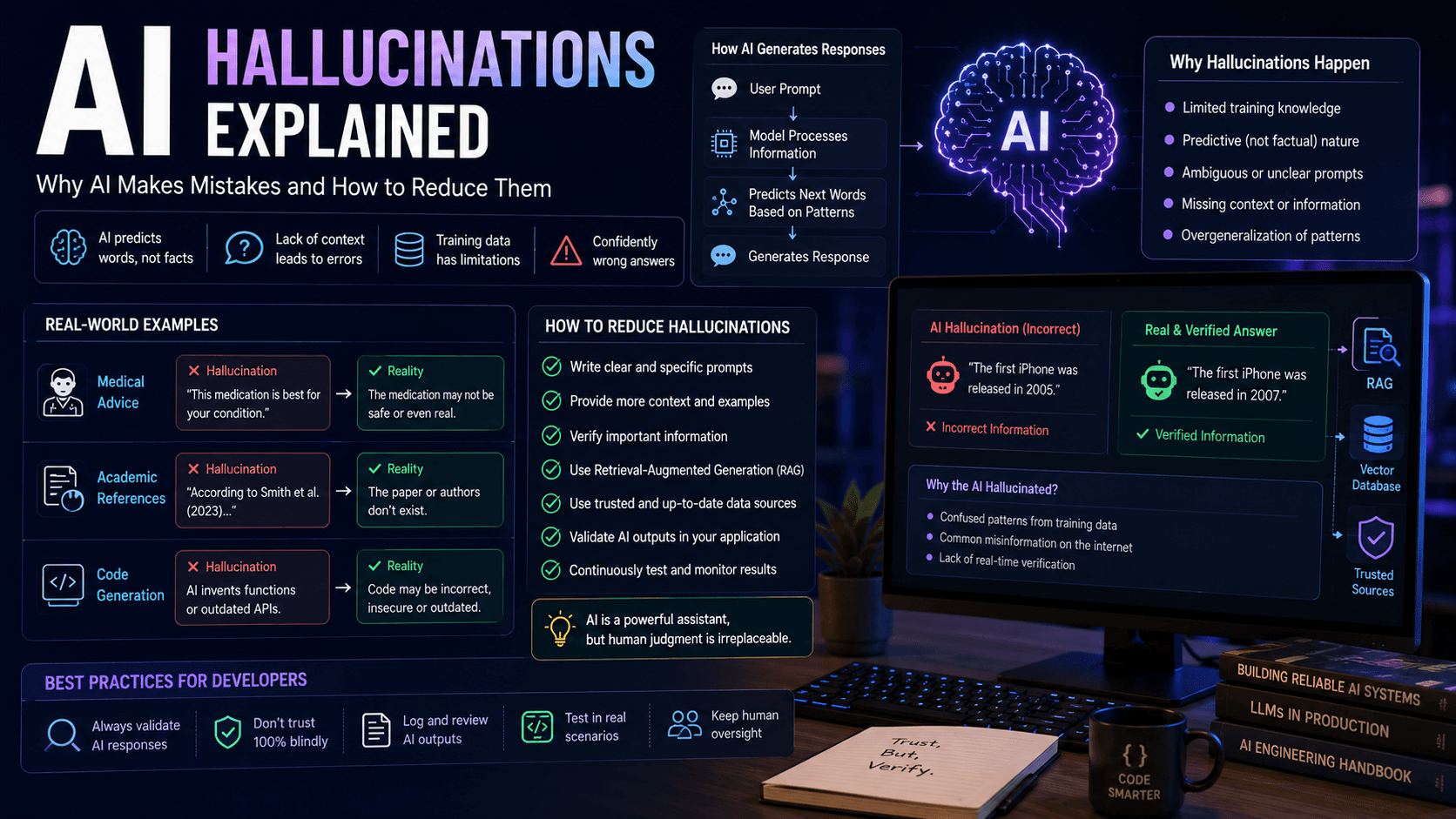
AI Hallucinations Explained: Why AI Makes Mistakes and How to Reduce Them
AI hallucinations are one of the biggest challenges in modern artificial intelligence. Discover why they happen, how they affect developers and businesses, and how to build more reliable AI systems.
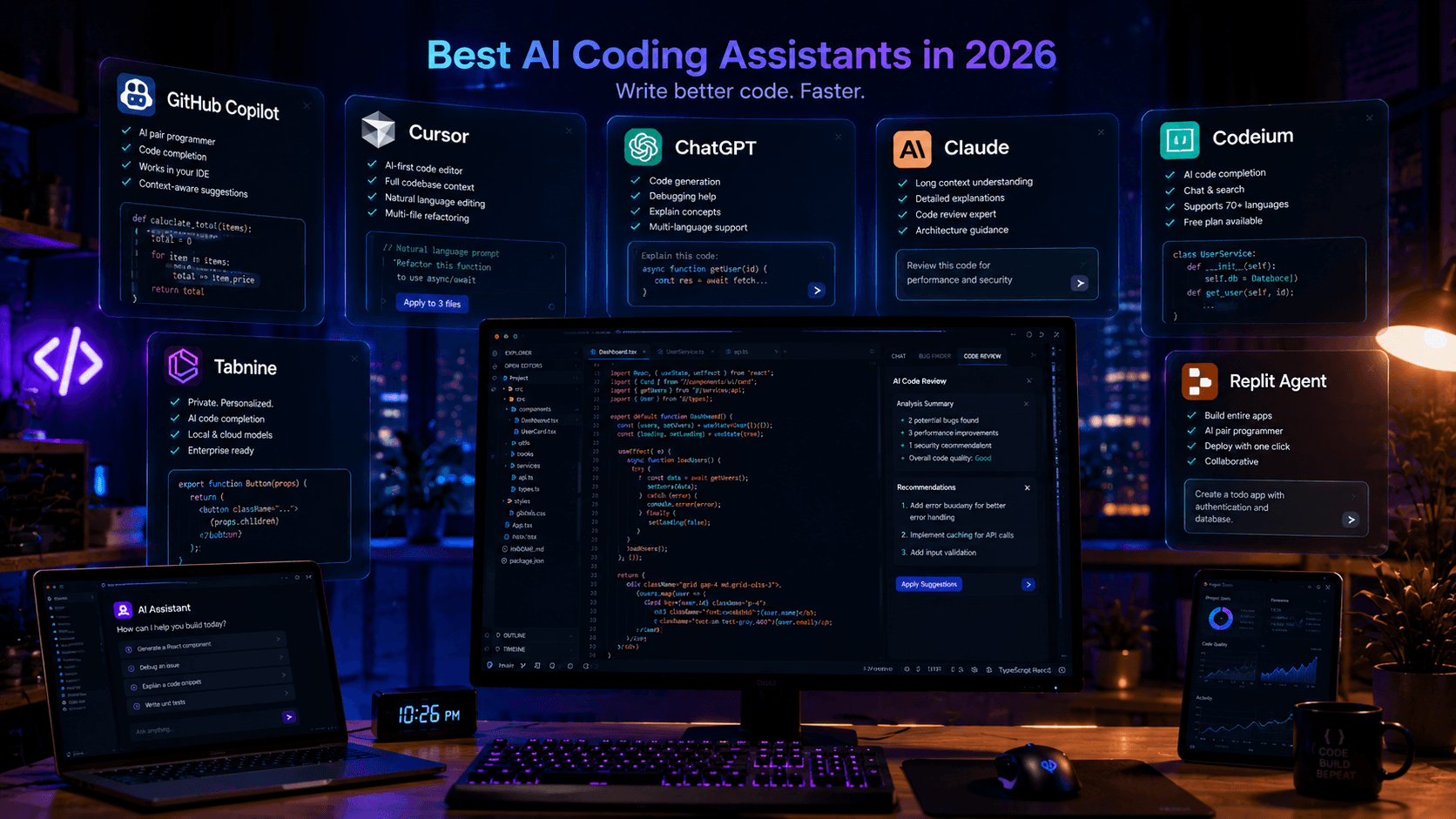
Best AI Coding Assistants in 2026: Complete Developer Guide
Looking for the best AI coding assistant? This guide compares the top AI tools for developers, including ChatGPT, Claude, Cursor, GitHub Copilot, and more.