Vector Databases Explained: A Complete Guide for Developers
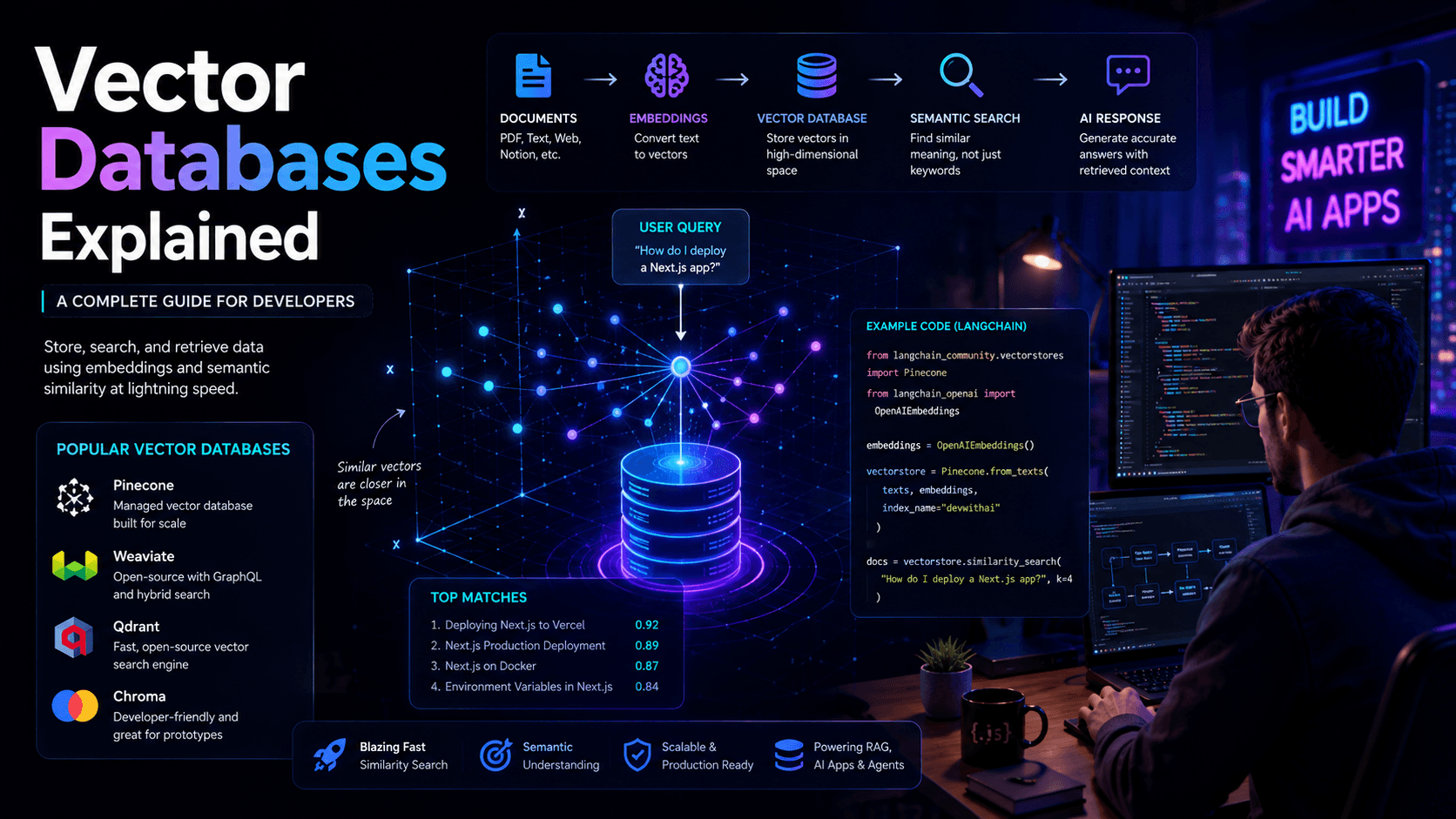
Vector databases are a core component of modern AI applications. Learn how embeddings, semantic search, and vector databases power AI chatbots, RAG systems, and intelligent assistants.
Artificial Intelligence applications have evolved far beyond simple chatbots and text generators.
Modern AI systems need the ability to search, retrieve, and understand large amounts of information efficiently.
This requirement has led to the rise of vector databases, one of the most important technologies powering today's AI applications.
Whether you're building a chatbot, a Retrieval-Augmented Generation (RAG) system, an AI search engine, or an autonomous AI agent, understanding vector databases is becoming a critical skill for developers.
In this guide, you'll learn what vector databases are, how they work, and why they're essential for modern AI development.
What Is a Vector Database?
A vector database is a specialized database designed to store and search vector embeddings.
Unlike traditional databases that search exact values, vector databases search based on meaning and similarity.
This makes them ideal for AI applications.
For example, if a user searches:
How do I deploy a Next.js app?
A vector database can find related content even if the documentation uses different wording such as:
Deploying a Next.js application to production
This ability is known as semantic search.
Why Traditional Databases Are Not Enough
Traditional databases excel at exact matches.
Example:
SELECT *
FROM articles
WHERE title = 'Next.js Deployment'
But AI applications need something different.
They need to understand:
- Meaning
- Context
- Intent
- Similarity
This is where vector databases become valuable.
Understanding Embeddings
Before understanding vector databases, you need to understand embeddings.
Embeddings are numerical representations of text.
For example:
"React"
might become:
[0.12, -0.44, 0.83, ...]
and
"Next.js"
might become:
[0.10, -0.40, 0.81, ...]
Because React and Next.js are related concepts, their embeddings will be close together.
This allows computers to measure similarity.
How Vector Search Works
A typical workflow looks like:
User Query
 ↓
Embedding Model
 ↓
Vector
 ↓
Vector Database
 ↓
Nearest Matches
 ↓
AI Model
 ↓
Response
Instead of searching for exact words, the system searches for similar vectors.
This dramatically improves relevance.
Vector Databases and RAG
Vector databases are a foundational component of Retrieval-Augmented Generation systems.
A typical RAG architecture looks like:
Documents
 ↓
Embeddings
 ↓
Vector Database
 ↓
Retriever
 ↓
LLM
 ↓
Answer
If you haven't already, read RAG Explained for Developers to understand how retrieval systems work.
Popular Vector Databases
Pinecone
Pinecone is one of the most popular managed vector databases.
Benefits:
- Easy setup
- High performance
- Managed infrastructure
Weaviate
Weaviate combines vector search with structured data.
Benefits:
- Open source
- GraphQL support
- Flexible architecture
Qdrant
Qdrant has gained popularity because of its performance and developer experience.
Benefits:
- Fast similarity search
- Open source
- Lightweight deployment
Chroma
Chroma is commonly used for local AI projects and prototypes.
Benefits:
- Beginner friendly
- Fast setup
- Popular in LangChain projects
How LangChain Uses Vector Databases
LangChain frequently integrates vector databases into AI applications.
The workflow typically looks like:
Documents
 ↓
Embeddings
 ↓
Vector Store
 ↓
Retriever
 ↓
LLM
Learn more in our LangChain Tutorial for Developers.
Real-World Use Cases
AI Chatbots
Store company knowledge and retrieve relevant answers.
Related guide:
Build an AI Chatbot with Next.js
Enterprise Search
Allow employees to search internal documentation.
Customer Support
Provide instant answers using company knowledge bases.
AI Agents
Give agents access to external knowledge.
See:
Common Mistakes
Poor Chunking
Large documents should be split into meaningful chunks.
Low-Quality Embeddings
Embedding quality directly impacts retrieval quality.
Missing Metadata
Metadata improves filtering and search relevance.
Ignoring Evaluation
Always test retrieval performance.
Best Practices
- Use high-quality embedding models
- Add metadata
- Monitor retrieval accuracy
- Cache common searches
- Evaluate search quality regularly
These practices improve both performance and user experience.
Frequently Asked Questions
Are vector databases only used for AI?
No.
They can also power recommendation engines and similarity search systems.
Do I need a vector database for RAG?
In most production systems, yes.
Is Pinecone better than Weaviate?
Both are excellent choices. The best option depends on your requirements.
Can I use vector databases with Next.js?
Absolutely.
Many modern AI applications combine Next.js, OpenAI APIs, LangChain, and vector databases.
Further Reading
- OpenAI API Complete Guide
- RAG Explained for Developers
- LangChain Tutorial for Developers
- Build an AI Chatbot with Next.js
- How AI Agents Work
Final Verdict
Vector databases have become one of the foundational technologies behind modern AI systems.
By enabling semantic search and intelligent retrieval, they help AI applications access relevant information quickly and accurately.
Whether you're building chatbots, RAG systems, AI search engines, or autonomous agents, understanding vector databases is an essential skill for every AI developer.
Related Articles
More from the AI + Code category
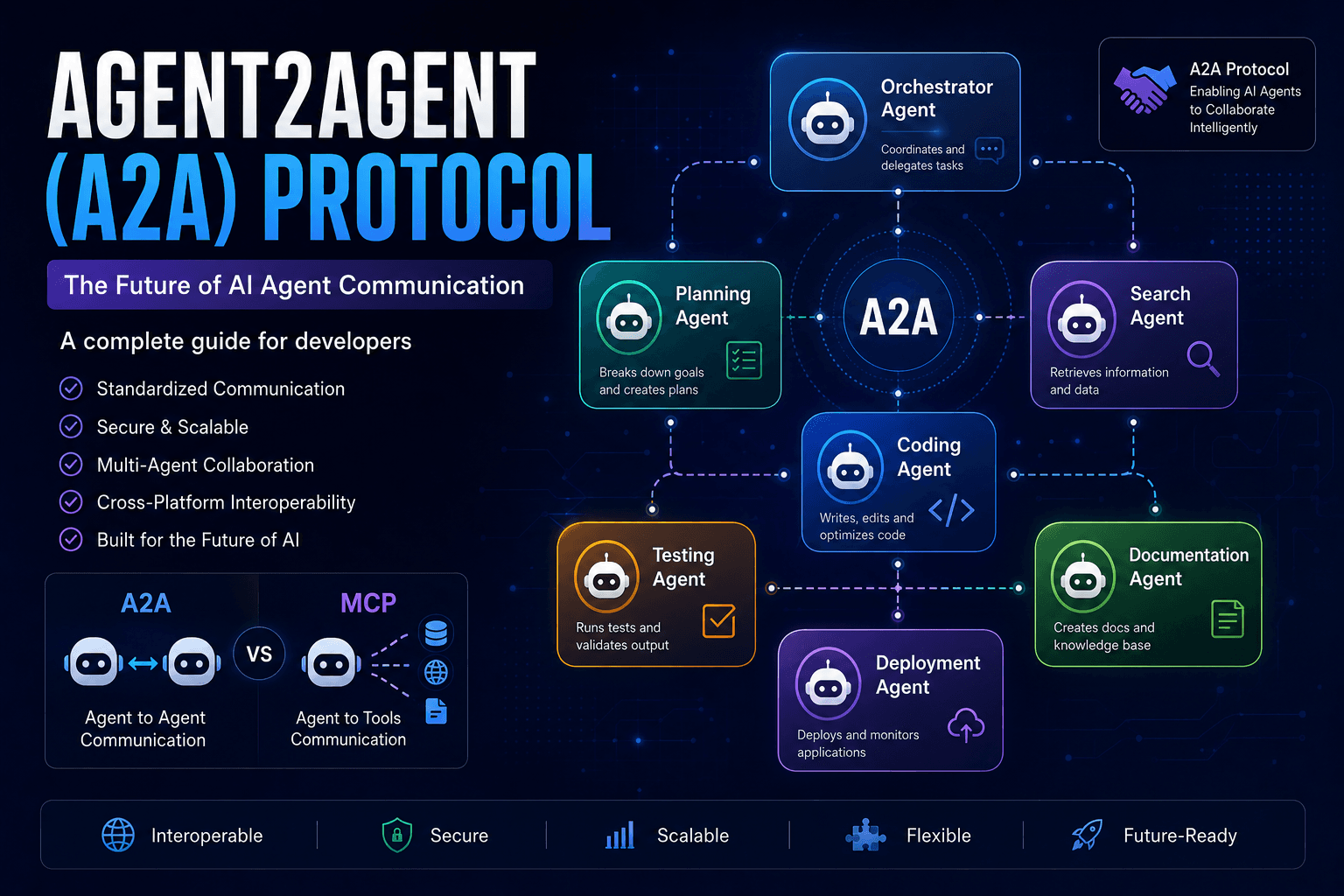
Agent2Agent (A2A) Protocol Explained: The Complete Developer Guide for 2026
Discover how the Agent2Agent (A2A) Protocol enables AI agents to collaborate securely and efficiently. Learn its architecture, use cases, benefits, and how it compares with MCP.
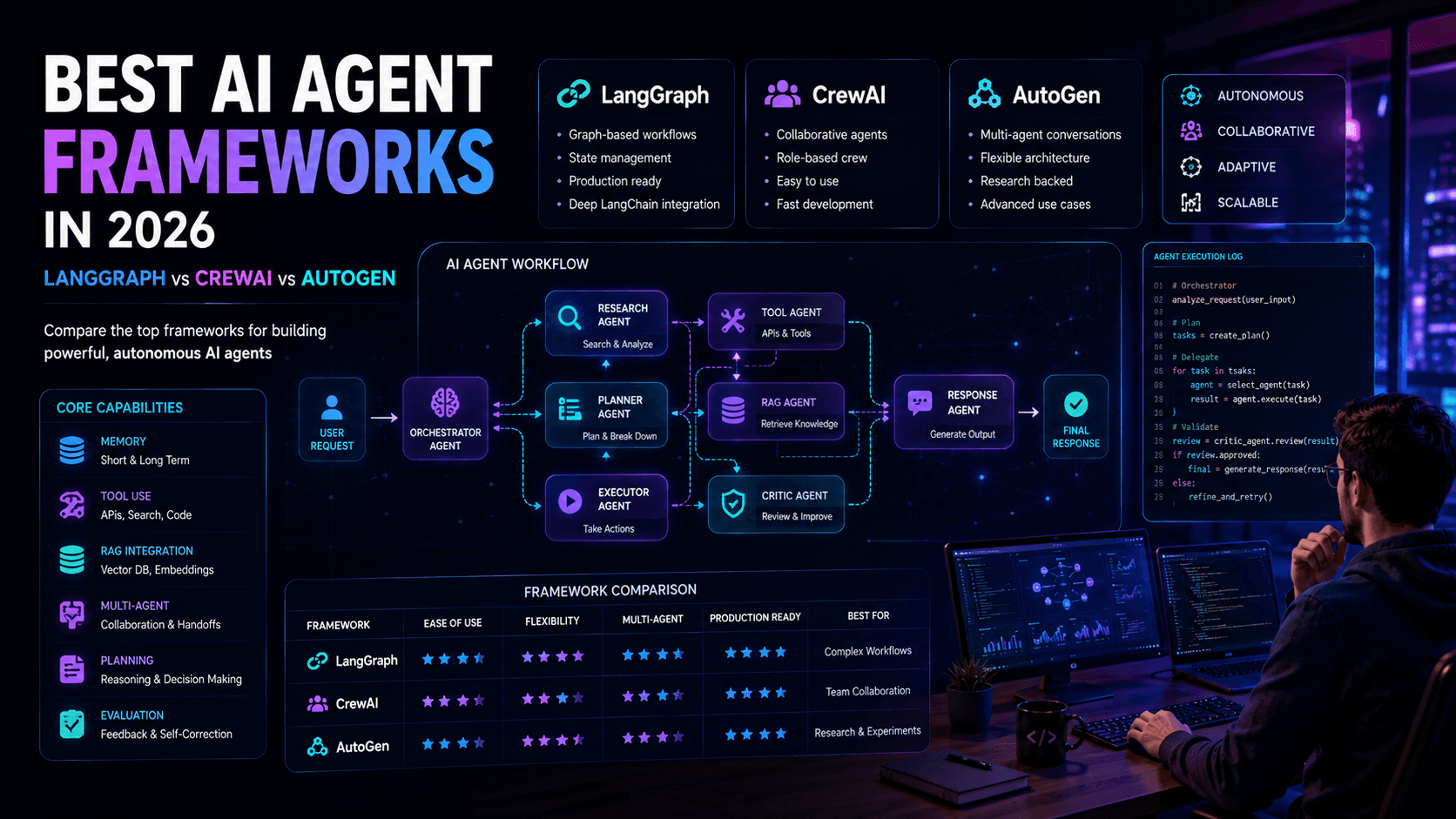
Best AI Agent Frameworks in 2026: LangGraph vs CrewAI vs AutoGen
Looking to build AI agents? This guide compares LangGraph, CrewAI, AutoGen, and other leading AI agent frameworks to help developers choose the right solution.
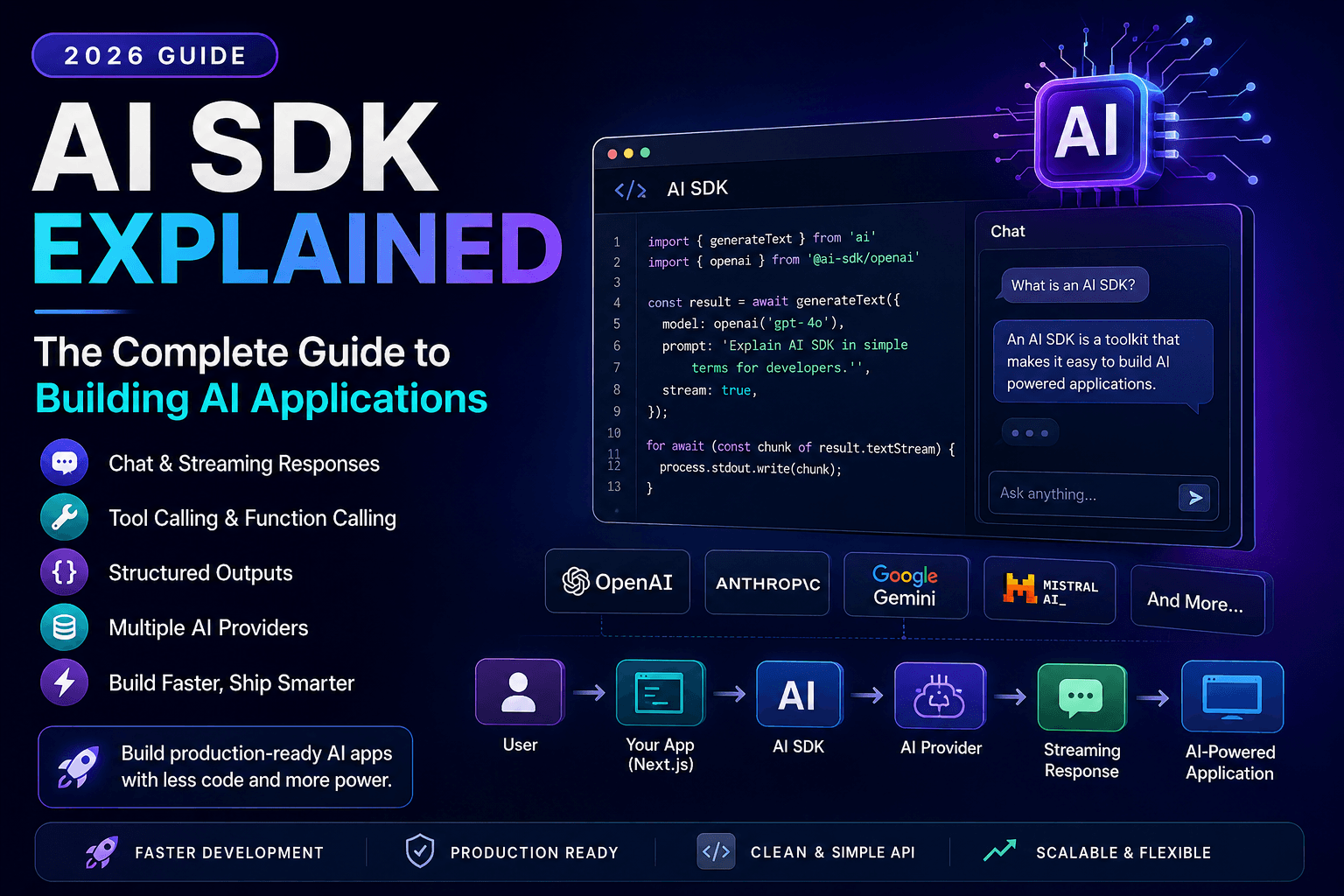
AI SDK Explained: The Complete Guide to Building AI Applications in 2026
Discover how AI SDKs simplify building AI-powered applications. Learn streaming responses, tool calling, chat interfaces, structured outputs, and production best practices.