React vs Next.js: Which Should Developers Learn in 2026?
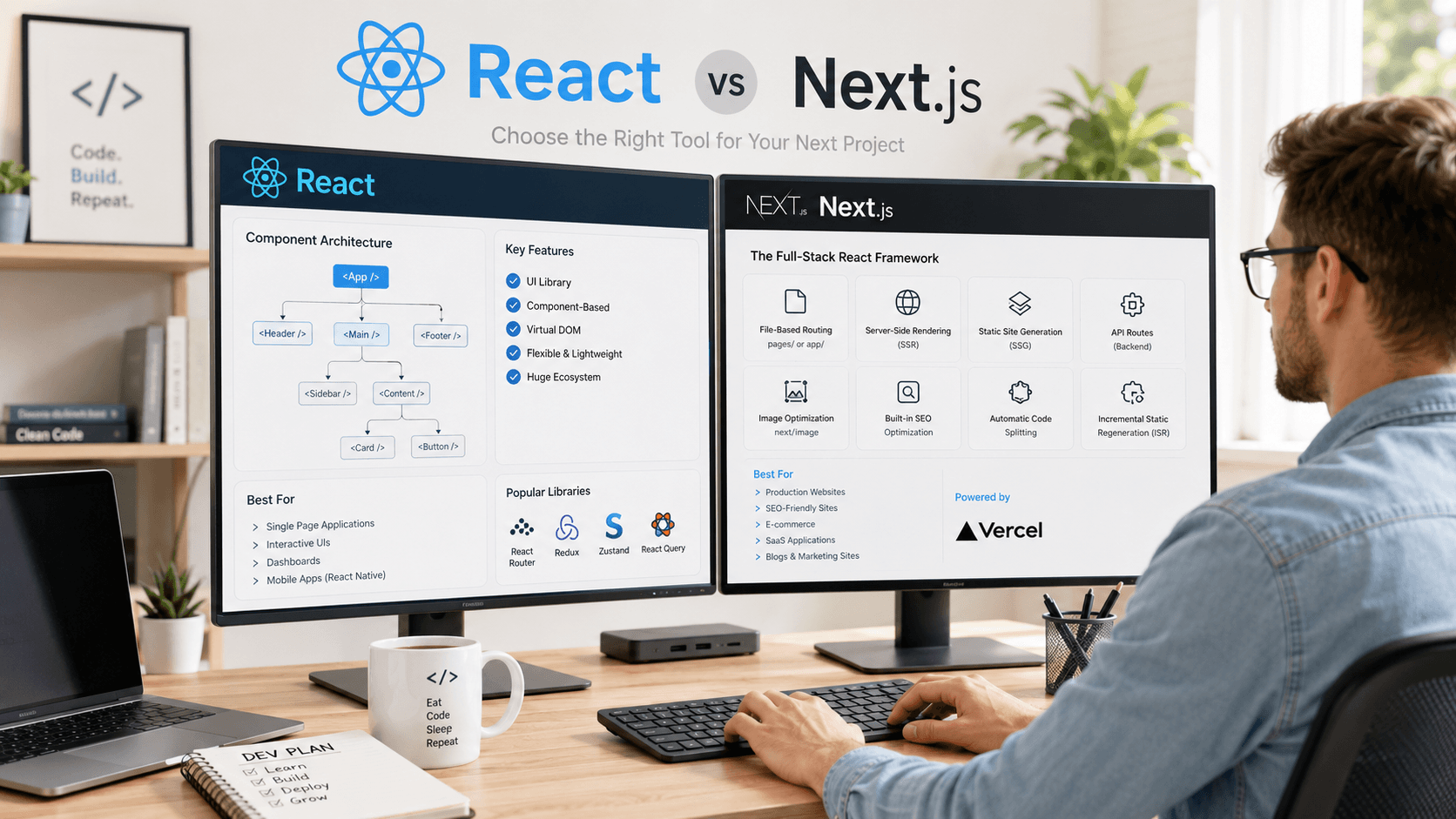
React or Next.js? Discover the key differences between the world's most popular frontend library and the framework built on top of it.
React is one of the most popular frontend technologies in the world.
However, developers entering the modern JavaScript ecosystem often encounter another technology almost immediately:
Next.js
This creates a common question:
Should I learn React or Next.js?
Many developers assume React and Next.js are competing technologies, but that's not actually true.
In reality, Next.js is built on top of React and extends its capabilities with features designed for modern web applications.
In this guide, we'll compare React and Next.js, explain their differences, and help you determine which technology is best for your projects in 2026.
What Is React?
React is a JavaScript library developed by Facebook (Meta) for building user interfaces.
React introduced component-based development and changed how developers build modern web applications.
Popular websites and applications using React include:
- Airbnb
- Netflix
- Shopify
React focuses primarily on the user interface layer.
React Features
- Component-based architecture
- Virtual DOM
- Reusable UI components
- Large ecosystem
- Strong community support
What Is Next.js?
Next.js is a React framework developed by Vercel.
It builds upon React and provides additional features that developers frequently need in production applications.
These include:
- Server-side rendering (SSR)
- Static site generation (SSG)
- API routes
- File-based routing
- Image optimization
- SEO improvements
Think of it this way:
React = UI Library

Next.js = Full React Framework
React vs Next.js: Key Differences
Routing
React does not include built-in routing.
Developers typically install:
react-router-dom
Next.js includes file-based routing out of the box.
Example:
app/about/page.jsx
Automatically becomes:
/about
No additional configuration required.
Rendering
React traditionally renders content in the browser.
This is known as:
Client-Side Rendering (CSR)
Next.js supports:
- Client-Side Rendering
- Server-Side Rendering
- Static Site Generation
- Incremental Static Regeneration
This flexibility improves performance and SEO.
SEO
Search Engine Optimization is one of the biggest differences.
React SEO Challenges
React applications often render content after JavaScript loads.
Search engines have improved, but this can still create indexing challenges.
Next.js SEO Benefits
Next.js can pre-render content before it reaches the browser.
Benefits include:
- Faster indexing
- Better search visibility
- Improved Core Web Vitals
- Better user experience
This is one reason many businesses choose Next.js.
Performance
Performance is increasingly important for modern websites.
React
Performance depends heavily on implementation.
Developers must manually optimize:
- Code splitting
- Lazy loading
- Data fetching
Next.js
Many performance optimizations are built in:
- Automatic code splitting
- Image optimization
- Streaming
- Server Components
Data Fetching
React typically relies on:
- Fetch API
- Axios
- React Query
- SWR
Next.js provides integrated data fetching solutions directly within the framework.
This simplifies development.
Developer Experience
Both technologies offer excellent developer experiences.
React Advantages
- Easier to learn initially
- Flexible architecture
- Huge ecosystem
Next.js Advantages
- Production-ready defaults
- Better project structure
- Built-in optimizations
When Should You Use React?
React is ideal for:
- Learning frontend development
- Small applications
- Dashboard interfaces
- Internal tools
- Existing React projects
When Should You Use Next.js?
Next.js is ideal for:
- SaaS products
- Business websites
- Blogs
- E-commerce stores
- SEO-focused applications
- Production-scale web applications
Learning Path Recommendation
For beginners, the best path is:
HTML
↓
CSS
↓
JavaScript
↓
React
↓
TypeScript
↓
Next.js
This sequence builds a strong foundation.
If you're still choosing your primary language, read:
Best Programming Languages to Learn in 2026
React vs Next.js Comparison
| Feature | React | Next.js |
|---|---|---|
| UI Components | ✅ | ✅ |
| Routing | ❌ | ✅ |
| SEO | Limited | Excellent |
| SSR | ❌ | ✅ |
| SSG | ❌ | ✅ |
| API Routes | ❌ | ✅ |
| Image Optimization | ❌ | ✅ |
| Learning Curve | Easier | Moderate |
Common Misconceptions
React and Next.js Are Competitors
False.
Next.js uses React internally.
Next.js Replaces React
False.
Learning React is still essential.
React Is Outdated
False.
React remains one of the most widely used frontend technologies.
Frequently Asked Questions
Should I Learn React Before Next.js?
Yes.
Understanding React fundamentals makes learning Next.js significantly easier.
Is Next.js Better Than React?
Not necessarily.
Next.js solves problems that React alone does not address.
Can I Build Large Applications With React?
Absolutely.
Many large applications still use React directly.
Why Are Companies Moving to Next.js?
Because it provides:
- Better SEO
- Improved performance
- Production-ready features
with less configuration.
Further Reading
- Best Programming Languages to Learn in 2026
- JavaScript vs TypeScript: Which Should Developers Learn?
- Git and GitHub for Beginners
- How to Become a Software Developer in 2026
Upcoming Programming Guides:
- Node.js for Beginners
- TypeScript Best Practices
- Frontend Developer Roadmap
- Backend Developer Roadmap
- React Interview Questions
Final Verdict
React remains one of the most important technologies for frontend developers and serves as the foundation of countless web applications.
Next.js builds on React and provides the tools needed for modern, production-ready applications.
For most developers in 2026, the best approach is simple:
Learn React first.
Then learn Next.js.
Together, they provide one of the most valuable skill sets in modern web development and open doors to a wide range of career opportunities.
Related Articles
More from the Programming category

React useState Hook Complete Guide (2026): Syntax, Examples & Best Practices
Learn everything about React's useState Hook, including syntax, real-world examples, updating state correctly, best practices, and common mistakes.

Best Programming Languages to Learn in 2026: Complete Developer Guide
Not sure which programming language to learn in 2026? This guide compares the most in-demand programming languages and helps developers choose the right path.

Data Structures and Algorithms for Beginners: Complete Guide in 2026
Master the fundamentals of Data Structures and Algorithms with this beginner-friendly guide. Learn the concepts every software developer should know.